First post, by telanus

- Rank
- Newbie
First off: This Guide is not supported by the creators of Dosbox. Dosbox’s main goal is to emulate enough of dos to play dos games, and not Win9x. Also This Guide might or might not work for you.
First off things you will need:
1: DOSBox Megabuild6 - For creating the HD
2: Win 98se (that’s what I’ve got) Installation CD
3: WinImage
4: ykhwong's latest build.
5: The Following 3dfx Driver - http://www.multiupload.com/ZSZQLN2C5M
6: a dos6 Boot disk
7: some computer knowledge
A ) HD creation and setup
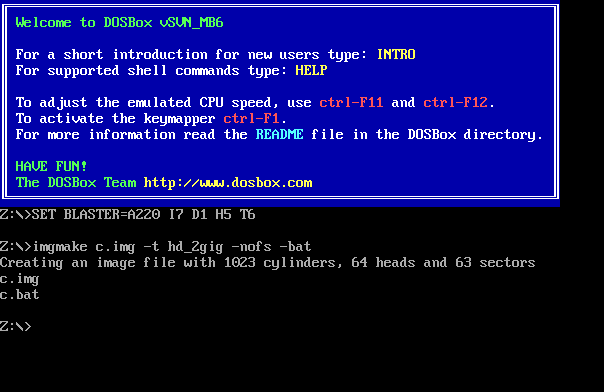
1: Install Megabuild6. start it. Type the following command:
Imgmake c.img -t hd_2gig -nofs -bat
Once it's finished you should have 2 files: c.img and c.bat
2: extract ykhwong's latest build to something like c:\dosbox9x (to differentiate it with dosbox standard). Move c.img and the dos6 boot disk to this directory.
add the following (if you use the same names as I do) to dosbox.conf
[glide]glide=emu[autoexec]imgmount 0 dos6.ima -t floppy -fs noneimgmount 2 c.img -t hdd -fs none -size 512,63,64,1023boot -l a
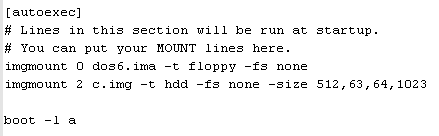
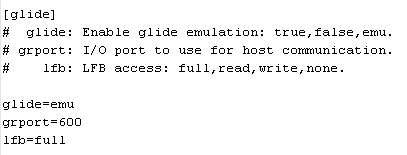
Will give you
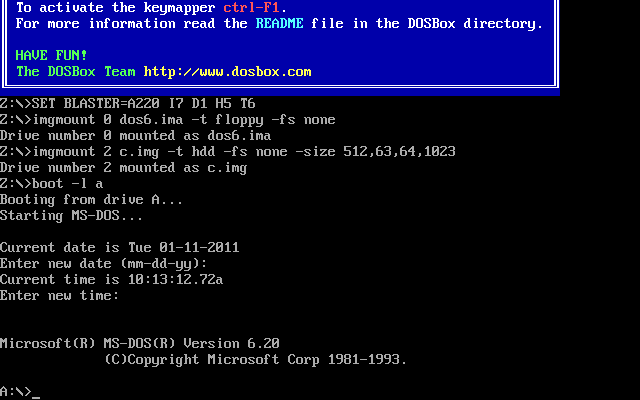
3: Once dos started type in
fdisk
. Then create a primary partition, then follow the prompts until it finish, it should restart dosbox. when you're bock in dosbox at the a> prompt, type in
format c: \s

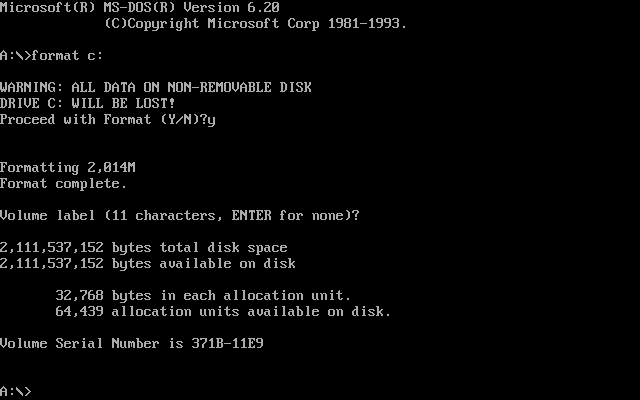
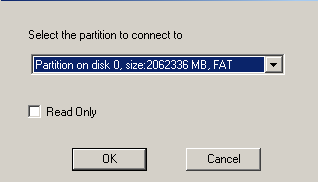
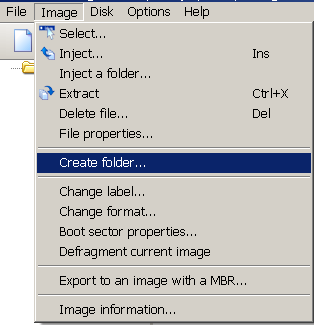
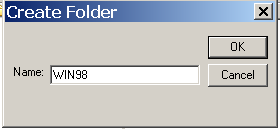
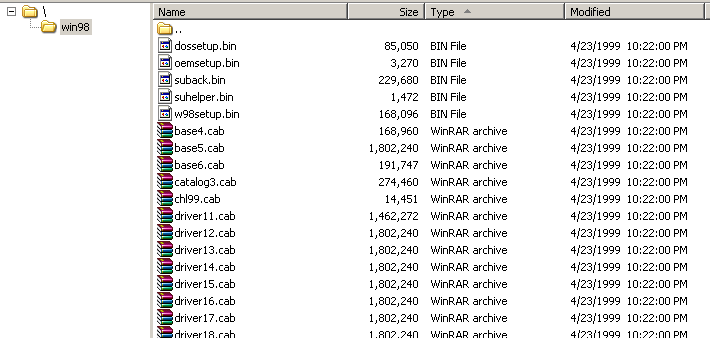
4: Once it's finished. exit dosbox. Start Winimage and load c.img with it. It should ask what partition to connect, just accept the standard one offered. On the menubar use Image > create folder, to create a folder called something like win98. Go into the Directory by double clicking on it. then select on the menubar > Image > Inject a folder. Point it to your 98se (the one with all the cab files). Close Winimage.
B )Install Windows
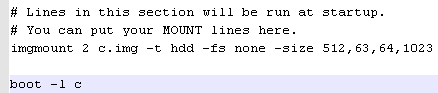
1: In dosbox.conf remove the dos6 imgmount and change the following boot from a to c. Should look like this:
imgmount 2 c.img -t hdd -fs none -size 512,63,64,1023boot -l c
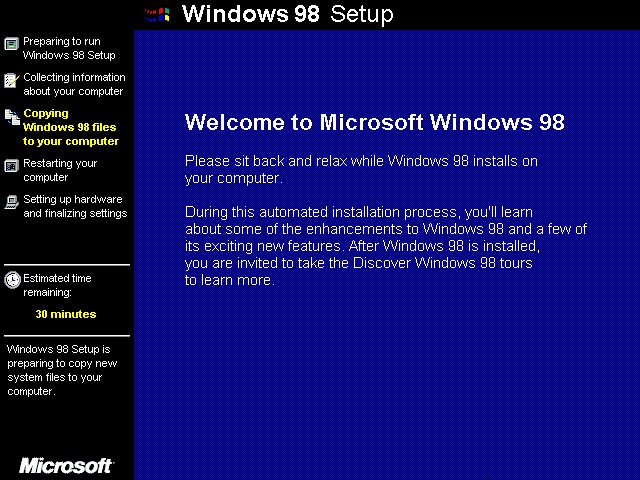
2: Start Dosbox, It might ask what to boot F1 for dos or F2 for disk 2, just press enter. It should load dos. use the following to start installing windows (if you used the same folder name as me)
cd win98setup
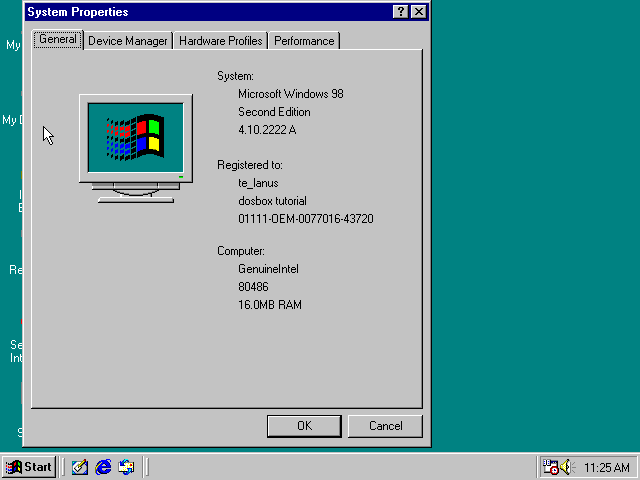
3: Enjoy setting up windows like on a real pc.

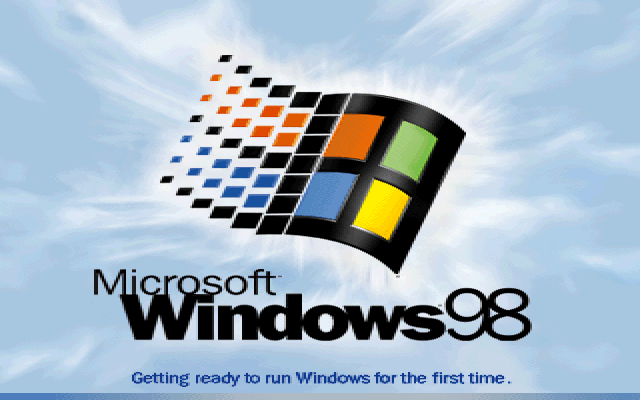
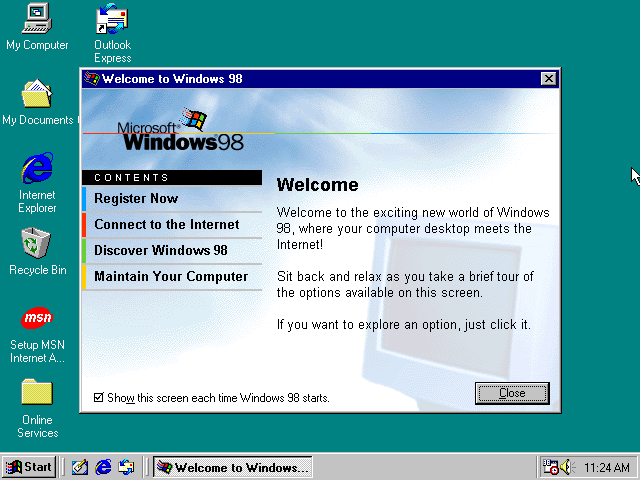
C )Installing the Driver
1: Start Winimage. Load c.img as before. Create a folder, something like drivers. Then goto the Folder, then choose Image from the Menubar > Inject, then point Winimage to the 3dfx driver you've downloaded. exit winimage

2: Start Dosbox. Wait for Windows to load. Goto the Directory where the 3dfx driver is. Run the program. Choose the same folder as where the driver is, this makes the following step easier.
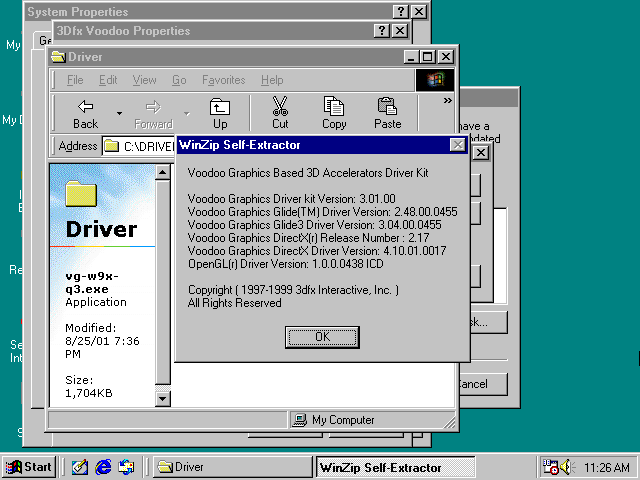
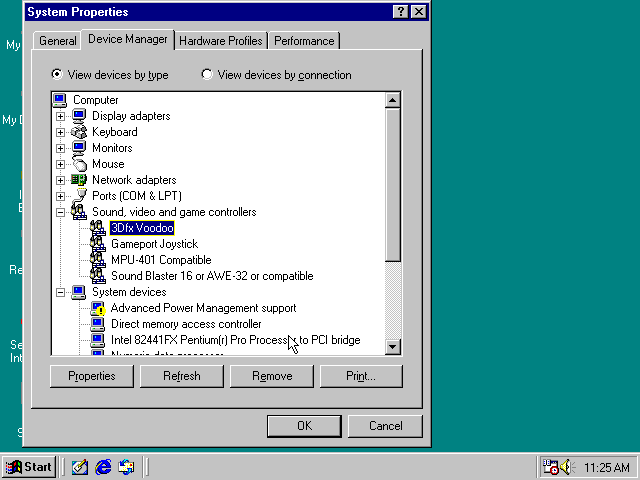
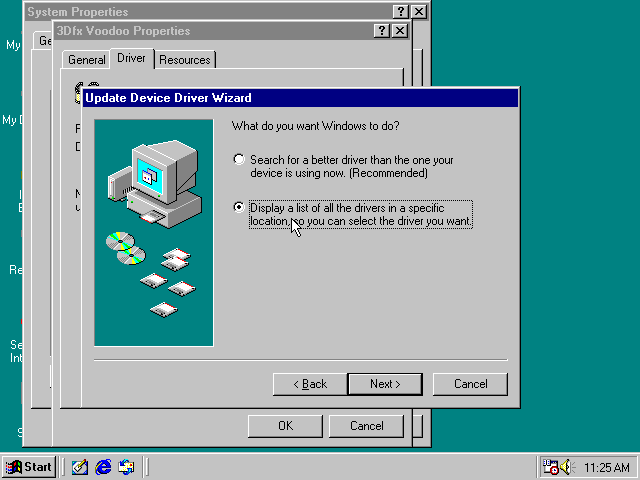
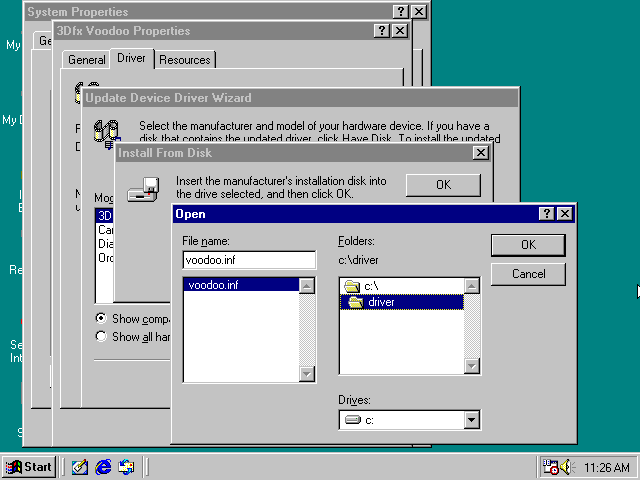
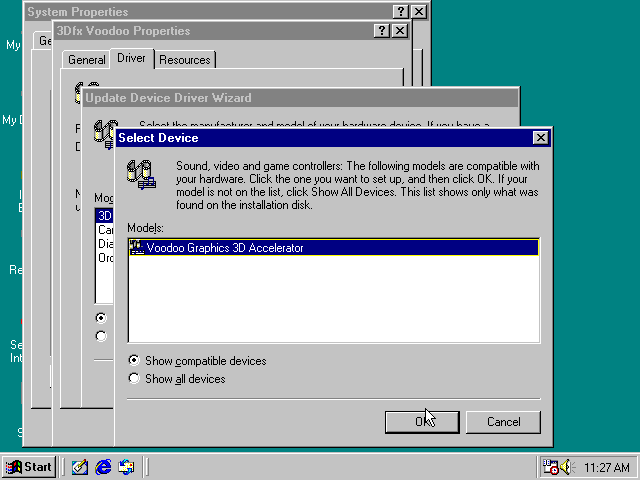
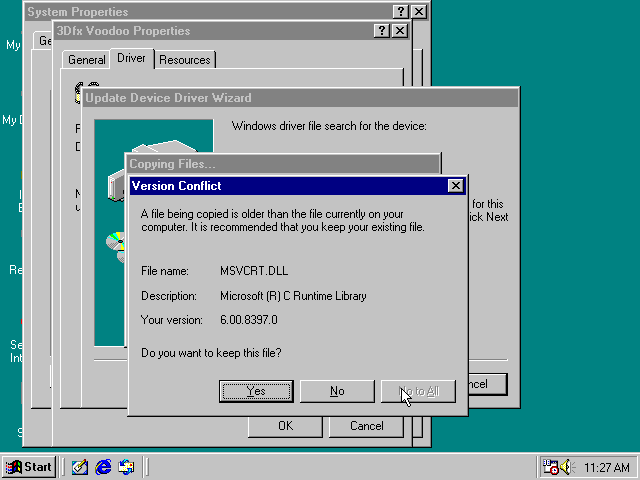
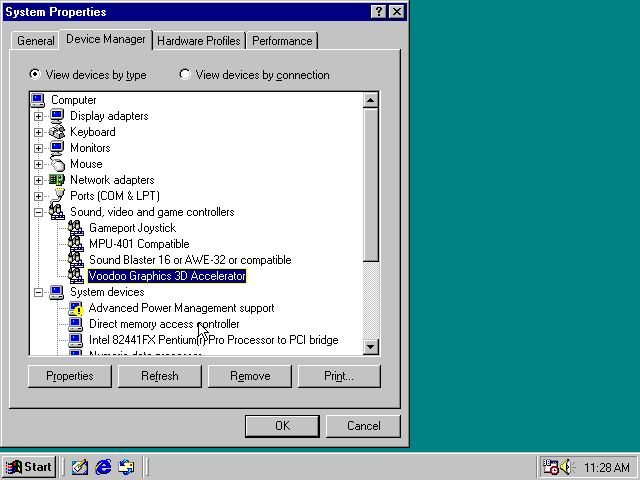
3: Then goto the Control Panel: Start > Settings > Control Panel.Then go to System. Then to the Device Manager Tab. Click on the + alongside the sound, video and game controllers. Then select the Voodoo graphics. Then on Properties, then Driver Tab, Update Driver. Then select next till you get to the screen "What do you want Windows to do?" there select the second option: "Display a list...." Then on Have Disk. Then Browse, to where the driver is stored (step c2). It should install up to a point, then complain that there is a newer file that the installation wants to override, keep the file and complete the installation. Restart Windows. (Dosbox might hang here, Just close dosbox and start it again. That's all to it really